Subscription
The Subscription section provides a centralized view of your IceWarp plan and billing-related information. It includes an overview of active users and billing cycle details, as well as access to invoices and payment actions.
Access Subscription
In WebClient, open the admin overview and select Subscription (Manage subscription).
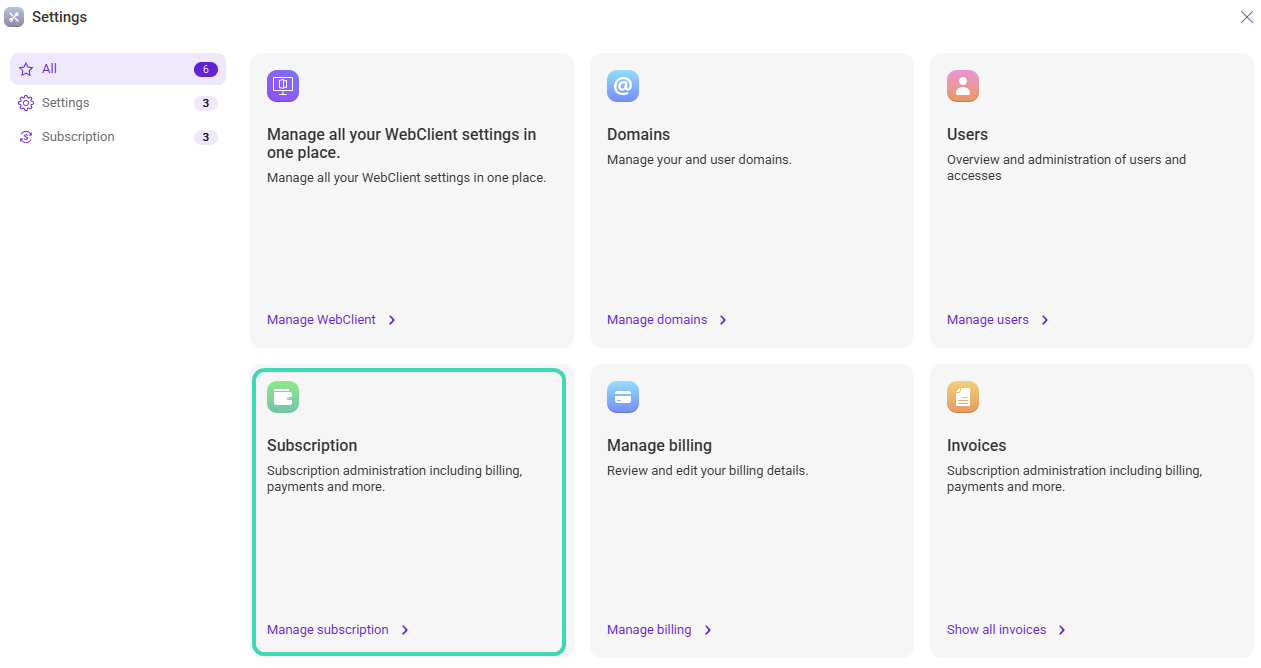
Subscription overview
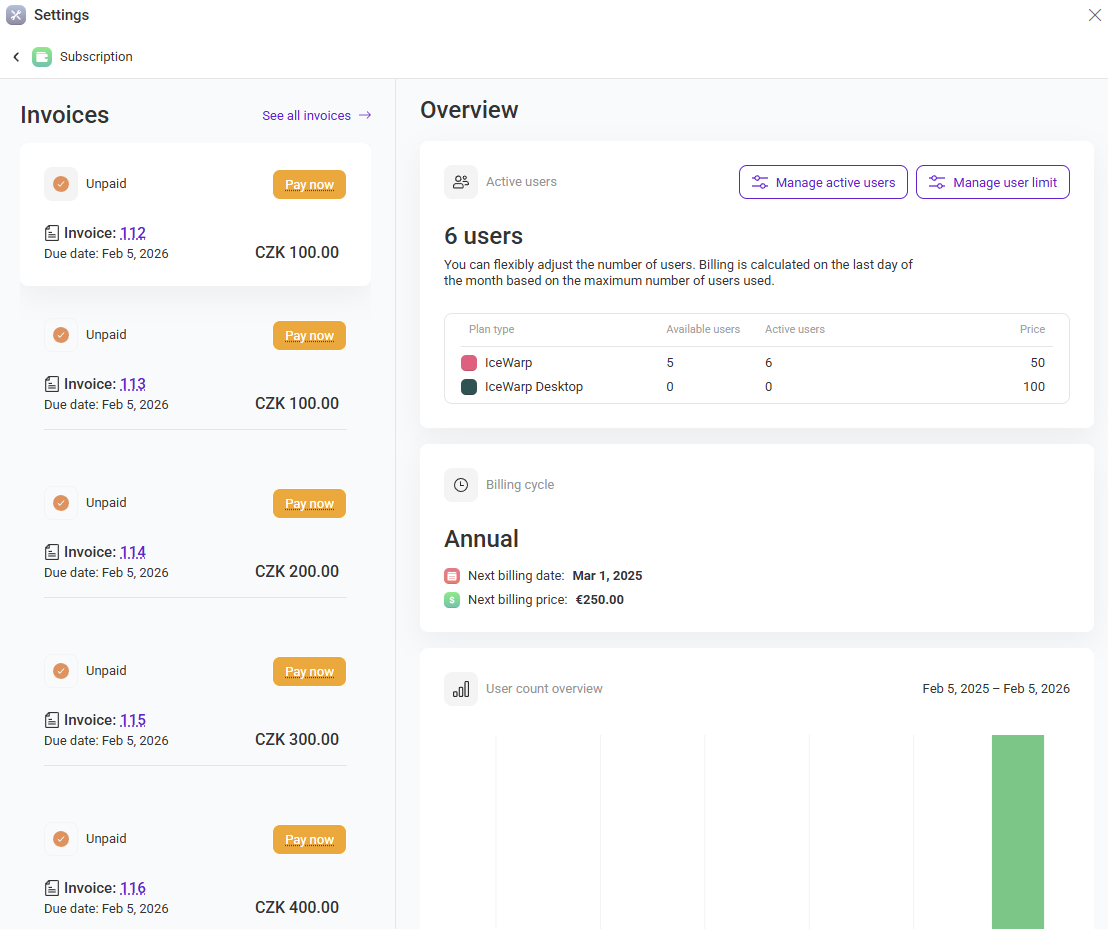
The overview page summarizes your current usage and upcoming billing information. Depending on your permissions, you can manage active users and user limits directly from this page.
Invoices
The Invoices panel lists recent invoices and their payment status. For unpaid invoices, you can start the payment process using Pay now. To view the full invoice list, select See all invoices.
-
Invoice number opens invoice details.
-
Due date shows when payment is required.
-
Status indicates whether the invoice is paid or unpaid.
Active users
The Active users section displays the number of active users and a summary of plan usage. Use the available actions to manage active users and user limits (if enabled for your account).
Billing cycle
The Billing cycle section shows your current billing frequency (for example, annual) and the next billing date and price.
User count overview
The User count overview chart provides a visual summary of user count changes over time for the selected period.
Related sections
- Review billing details in Manage Billing.
- View issued documents in Invoices.

