Invoices
The Invoices section provides an overview of issued invoices, their payment status, due dates, and amounts. From this page, you can open invoice details and start payment for unpaid invoices.
Access Invoices
In WebClient, open the Settings/Admin overview and select Invoices (Show all invoices).
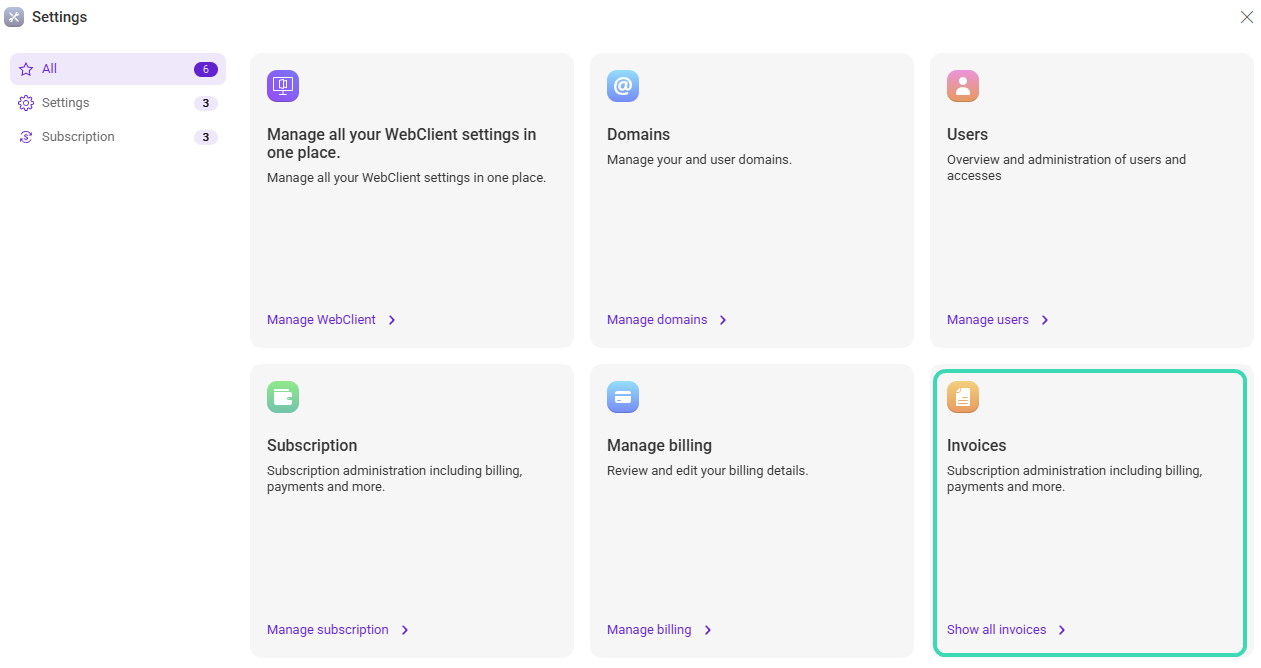
Figure 1. Invoices entry in the Admin overview.
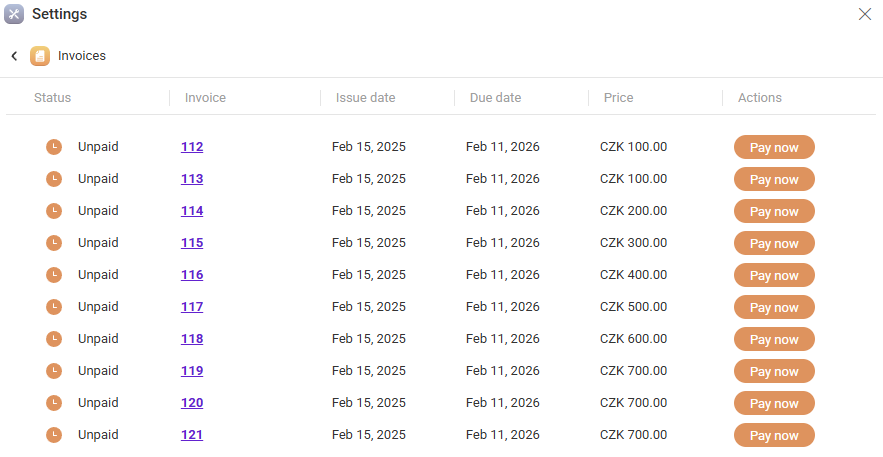
Figure 2. Invoices list (status, dates, price, and actions).
Invoice list columns
The invoice list includes the following columns.
| Column | Description |
|---|---|
| Status | Indicates the payment state of the invoice (for example, Unpaid or Paid). |
| Invoice | Invoice identifier. Click the invoice number to open invoice details. |
| Issue date | Date when the invoice was created. |
| Due date | Date by which the invoice should be paid. |
| Price | Total invoice amount, including the currency. |
| Actions | Available actions for the invoice. For unpaid invoices, you can start payment using Pay now. |
Click the invoice number to open full invoice details.
Paying an invoice
For invoices with status Unpaid, select Pay now in the Actions column to start the payment process.
Related sections
- Review billing settings in Manage Billing.
- Manage subscription plans in Subscription.

