API Console
The API Console allows administrators to browse and manage API variables used by IceWarp Server. These variables control server behavior and various system features.
Administrators can search for specific variables, review their current values, and edit configuration parameters directly in the WebAdmin interface.
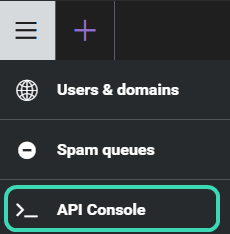
Open the API Console

- Open WebAdmin.
- Click the ☰ menu icon.
- Select API Console.
- Open API Variables List.
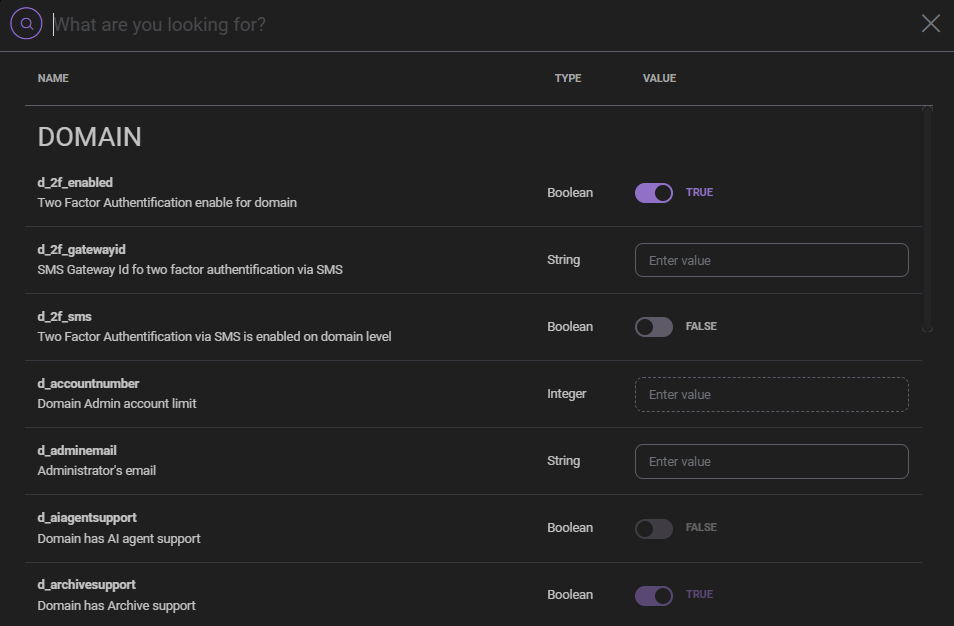
Search API variables

Use the search field at the top of the page to quickly locate API variables.
- Enter part of the variable name or description in the search field.
- Press Enter to display matching results.
- Clear the search field to display all variables again.
Variable list

The variable list displays configuration parameters grouped by category. Each row represents a single API variable.
| Column | Description |
|---|---|
| Name | Internal name of the API variable. |
| Type | Data type of the variable, such as Boolean, Integer, String, or Enumeration. |
| Value | Current configuration value. |
| Description | Explanation of the variable function. |
Change variable values

To modify an API variable:
- Locate the variable in the list.
- Edit the value directly in the Value column.
- Click Save to apply the change.
Depending on the variable type, the value may be edited as a text field, toggle, or selection list.
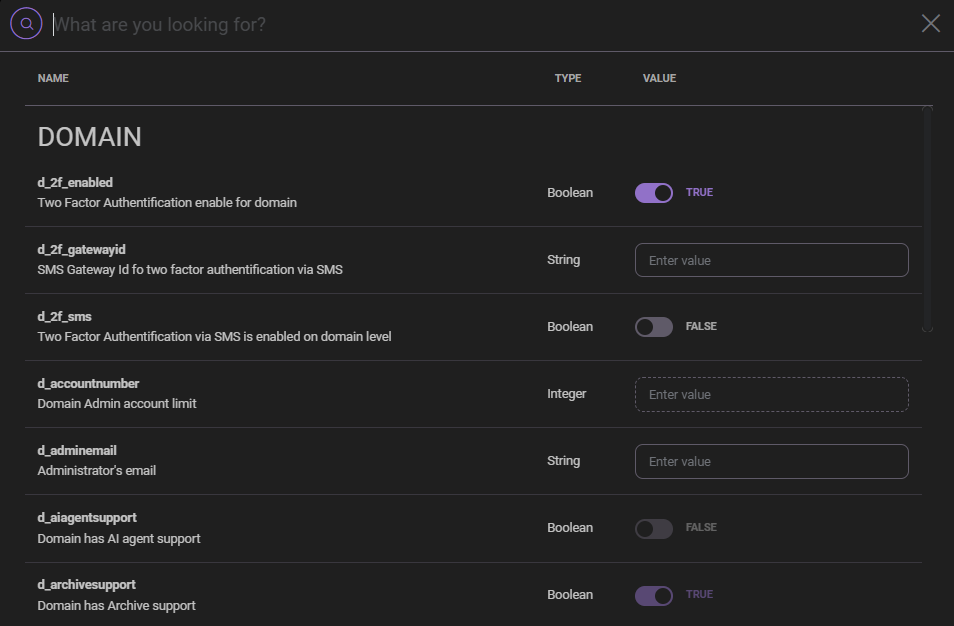
API variable groups

API variables are organized into functional groups.
- Accounts
- Account Policies
- Advanced
- Anti-Spam
- Anti-Virus
- Collaboration
- Conferences
- Connection
- Domains
- FTP
- General
- Groupware
- GUI
- Instant Messaging
- LDAP
- Logging
- Mobile Sync
- Protocols
- Proxy
- SmartDiscover
- SMS
- SMTP/POP3/IMAP
- Storage
- System Tools
- VoIP
Next steps
Explore related sections:
← Back to WebAdmin portal

