How to manage client licenses
-
Click
 > Dashboard > Manage Clients.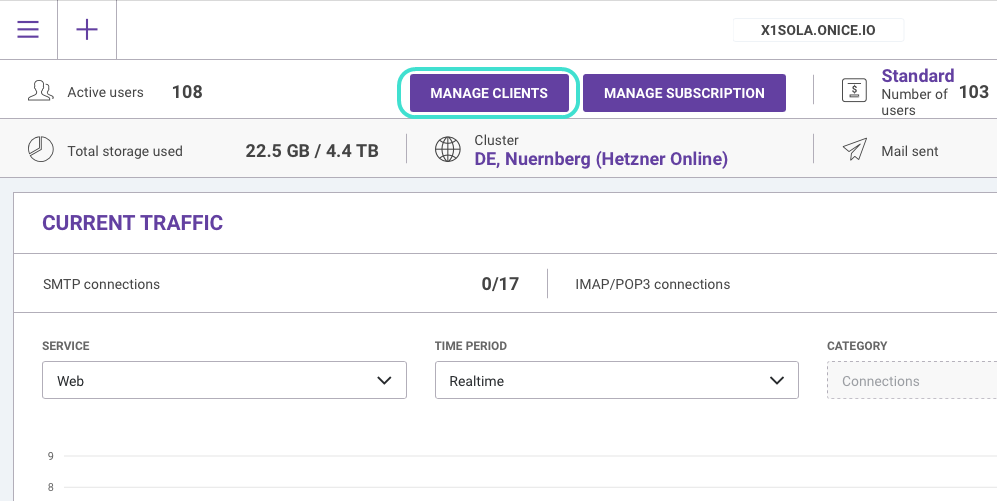
Figure. Dashboard.
-
In the new Manage Client Licenses window, you can browse, search and filter the licenses. Example: To list users with Active licenses, set the Status filter to Active.
You can deactivate an individual license via Deactivate button. Example: When a user leaves and you want to reassign the license to another user. Usually after the application is uninstalled and you want to revoke the license key and reassign it to another user.
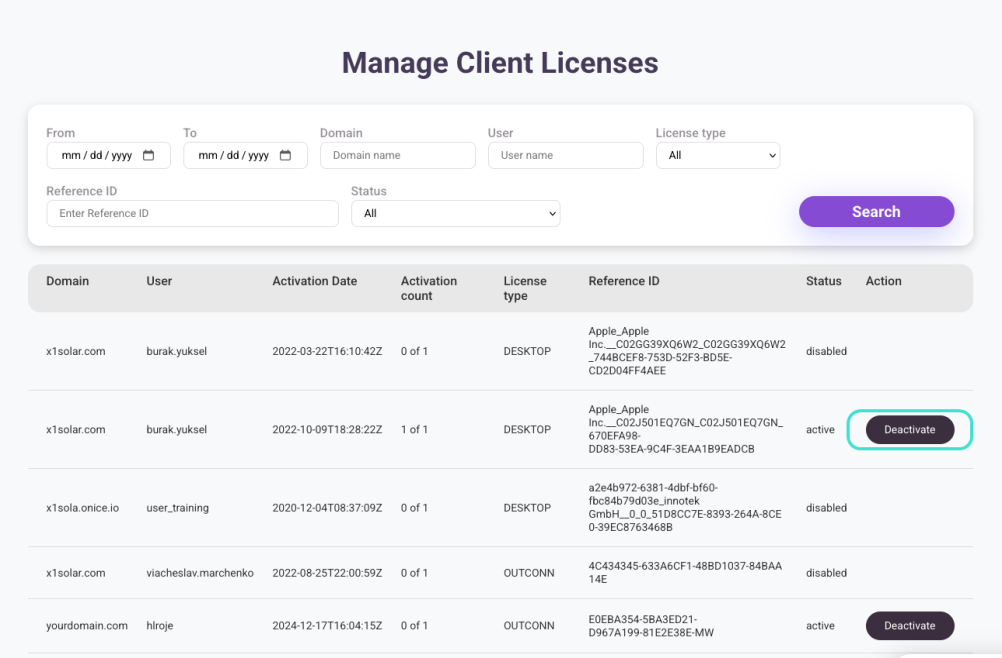
Figure. Manage Client Licenses.

