How to share calendar
-
Right-click the Calendar folder and select Folder Access Rights.
-
Click Add to add a new email address.
-
If you do not know email address, click Select From Address Book and find the email in your Outlook contacts.
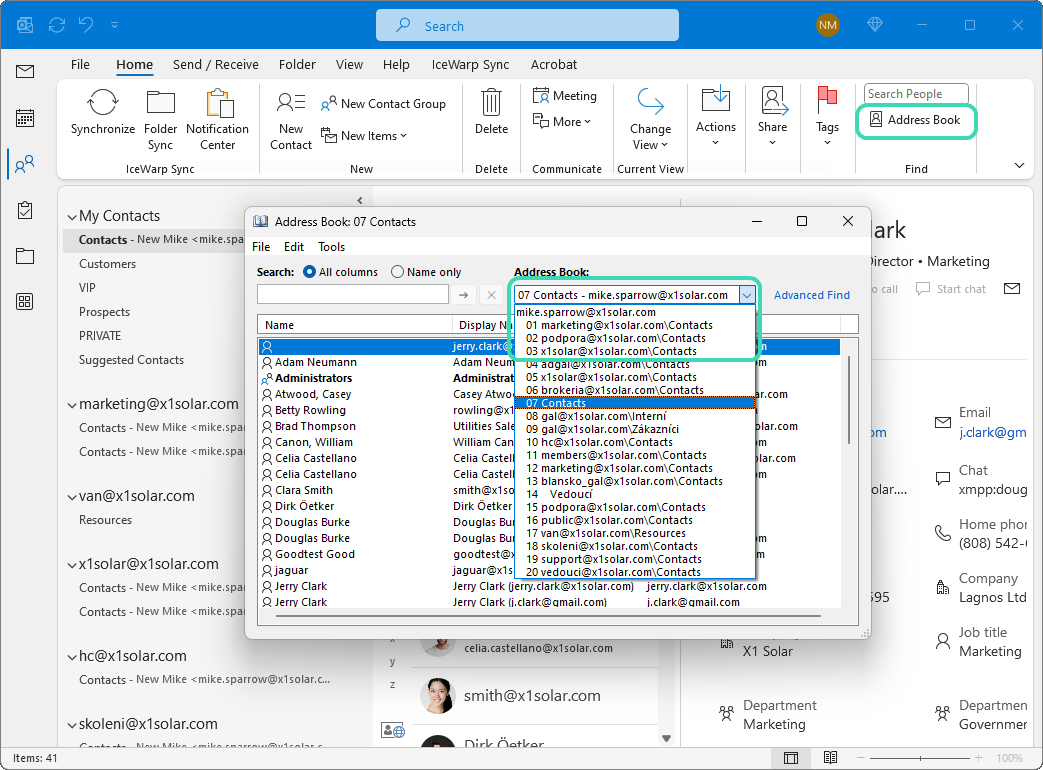
Figure. Outlook Address Book.
-
Double-click to select the email and click OK.
-
Email appears in Selected. Click OK to define the email in a permission field.
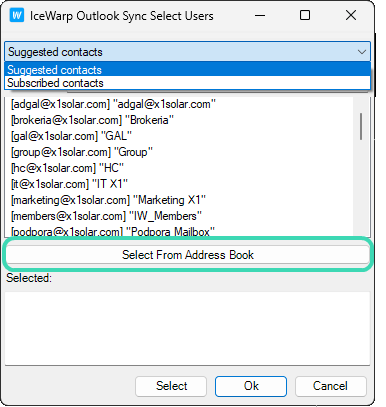
Figure. Selecting users.
-
Check the permissions you want to grant or select a predefined set in the dropdown.
-
Click OK to save settings on the server.

