Rules
These rules can help you to catch spam and viruses.
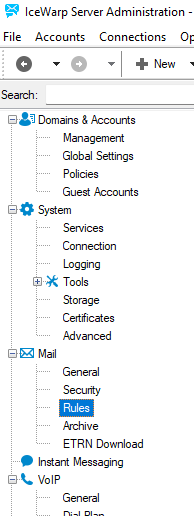
Figure. Rules management.
If you want to filter messages using advanced rules and make adjustments to messages, we recommend using Content Filters . The basic difference between rules and content filters consists in the fact that rules are used for received messages whilst content filters can be defined for both received and sent messages (unless defined differently within the filter itself).
If you just want to restrict message acceptance using keywords, it is better to use Black & White Lists.
Additionally, you can design your own filters and create your own filters in any programming language (and then call such filters) in the External Filters dialog.
To determine what logs show content filters /rules hits, refer to Mail flow, queue and processing logs in System > Logging > Debug

