Groups
An FTP user group is an effective template of options that can be applied to a user simply by making that user a member of the group.
A group definition lets you change an option once and have it applied to all users in the group.
Within a group you can set the Relative path, Permissions, the upload/download limits and the upload/download ratio to be applied to members of the group.
Warning: A user can only be a member of one FTP group.
Any options you specify within the users tab will override the group options.
Selecting the Groups tab displays a list of defined FTP groups:
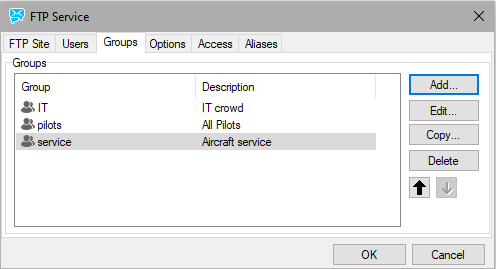
Figure. Groups tab in FTP service dialog.

